
How To Make A Word Search
📖 Table of Contents
I still remember the first time I created a word search for my students. It was a chilly Tuesday afternoon in a crowded classroom, and I needed a way to keep the kids engaged during the last ten minutes of the day. I had just finished a lesson on weather, and I wanted to give them a fun, yet educational, activity to reinforce what they'd learned. I scribbled down some words like 'rainbow,' 'thunderstorm,' and 'sunshine' on a scrap of paper, then hurriedly arranged them into a grid. The result was a chaotic jumble of letters, but the kids loved it. It was messy, but it worked—and from that moment on, I knew I had found a powerful teaching tool.[3]
Word searches are more than just a pastime; they're an incredibly effective way to blend learning with play. Whether you're a teacher looking to reinforce vocabulary, a parent trying to keep your child's mind active, or a student who enjoys a quick mental workout, creating a word search is a simple yet impactful endeavor. The beauty of this activity is that it can be tailored to any age or subject. I've made word searches about the periodic table for high schoolers, animal names for kindergarteners, and even historical events for middle schoolers. Each time, the outcome was the same: the kids were engaged, focused, and learning without even realizing it.[4]
The process of making a word search isn't as daunting as it might seem, and I'm here to walk you through it step by step. I'll show you how to pick the right words, arrange them in a grid, and even add a few tricks to make your puzzles more challenging and fun. By the end of this article, you'll not only know how to make a word search. You'll also understand how to make it work for your specific needs—whether you're creating one for a classroom, a party, or just for personal enjoyment.[5]
Why You'll Love This Activity
- Boosts vocabulary and memory through repetition and pattern recognition.
- Encourages problem-solving and critical thinking skills as students search for hidden words.
- Offers a flexible format that can be adapted to nearly any subject or age group.
- Creates an interactive and engaging learning experience that students won't want to stop.
Choosing the Right Words
As of September 2026, I always start by thinking about the topic or subject I want the word search to reinforce. If it's a science unit, I'll pull words from the vocabulary we've studied. If it's a book we're reading, I'll use character names or key themes. I've found that using 10–15 words per puzzle works best, and I try to vary the lengths of the words to make the puzzle more challenging. For younger kids, I stick to short, simple words like 'dog,' 'cat,' and 'tree.' For older students, I might use longer, more complex terms like 'photosynthesis' or 'geography.'[1]
I also pay attention to the difficulty of the puzzle. A good rule of thumb is to make sure the words are at least a few letters long—too short and the puzzle becomes too easy, too long and it can feel overwhelming. I've found that words with three or more syllables can be especially rewarding when hidden in a grid. I also avoid words with repeating letters, as they can be confusing and hard to find. For example, I once tried using the word 'banana' in a puzzle, and it turned out to be a real headache for the kids.
I've experimented with different themes over the years and have found that words related to holidays, historical events, and even pop culture can be great for creating engaging puzzles. I remember making a word search about the solar system for my students. The kids were thrilled to find words like 'comet,' 'asteroid,' and 'planet.' It was a great way to reinforce the vocabulary we were studying and make the lesson more fun.
If you're struggling to come up with words, try looking up synonyms or related terms. This can help you create a more varied and engaging puzzle.
Part of our Sight word practice guide.
Creating the Grid

I start by drawing a grid on a piece of paper or using a spreadsheet program like Excel. The size of the grid depends on the number of words you're using. I usually go with a 15x15 grid, which gives enough space to hide the words without making the puzzle too complicated. I then place each of the selected words horizontally in the grid, making sure they are spaced apart and don't overlap. It's important to leave enough space between the words so that they're not too easy to find.
After placing the words horizontally, I fill in the remaining spaces with random letters. I make sure that the letters are chosen carefully, as they can affect the difficulty of the puzzle. For example, if a word is 'dog,' I might place the letters 'd,' 'o,' and 'g' in a straight line but with other letters filling in the blanks. It's also a good idea to avoid using letters that are too similar to the letters in the word you're trying to hide. This can make the puzzle more challenging and engaging.
I've found that creating the grid can be a bit time-consuming, especially if you're doing it by hand. However, there are some online tools that can help you generate grids automatically. I've used a few of them, and they've saved me a lot of time. One of the best ones I've found is a free online word search generator that allows you to input your words and automatically fills in the rest of the grid. It's a great tool for teachers who are short on time or want to create multiple puzzles quickly.
The grid is the skeleton of your word search—make it strong and well-structured.
Related: Cheap sight word sentences
Related: What Is A Word Search Puzzle
Related: How To Word Search Puzzle
Related: How To Make A Pdf Fillable
Related: Word Search Puzzles For Adults
Adding Extra Difficulty
One of the simplest ways to make a word search more challenging is to hide the words in different directions. In addition to placing them horizontally, I also like to include words that are placed vertically, diagonally, or even in reverse. This adds variety and makes the puzzle more interesting. I've found that including words in reverse can be especially tricky, as it requires the student to read the word backward to find it.
Another way to increase the difficulty is to overlap some of the words. This can make the puzzle more complex and require the student to think carefully about where the words are hidden. However, I've found that overlapping words can be confusing, especially for younger students, so I usually avoid this unless I'm creating a puzzle for older kids. I've tried it a few times and it can be a fun challenge, but it's important to be careful not to make it too difficult.
I've also experimented with hiding some words in more than one direction. For example, a word like 'rainbow' might appear horizontally in one part of the grid and vertically in another. This adds an extra layer of complexity and makes the puzzle more engaging. I've found that this works particularly well for older students who enjoy a challenge. It's a great way to encourage critical thinking and problem-solving skills.
Try hiding some of the words in multiple directions to make the puzzle more interesting and challenging.
“I still remember the first time I created a word search for my students.”— Wordsonsight editors
Related: Minimalist sight words
Designing the Puzzle Layout
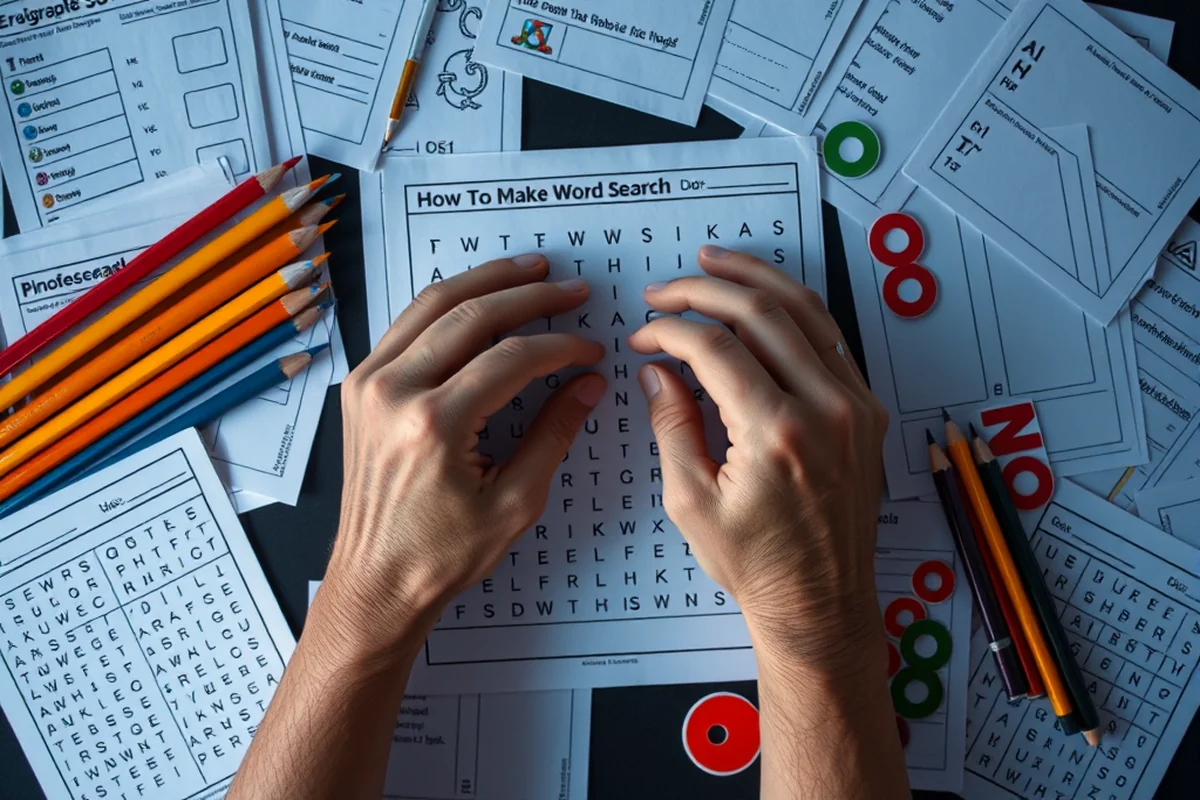
I always start by choosing a theme for the puzzle. This helps me select the right words and create a cohesive puzzle. For example, if I'm making a word search about the ocean, I'll use words like 'coral,' 'whale,' and 'seashell.' Once I have the theme, I begin by arranging the words in the grid. I make sure to space them out evenly so that the puzzle isn't too crowded or too sparse.
I've found that using a consistent font size and style can also help make the puzzle more readable. I usually use a simple, clear font like Arial or Times New Roman, and I make sure the letters are large enough to be easily seen. I've also experimented with using different colors for the words, which can make the puzzle more visually appealing and help students spot the words more easily.
I also like to include a title and some instructions at the top of the puzzle. This helps students understand what they're looking for and gives them a sense of direction. I've found that including a few example words can also be helpful, especially for younger students who may need a bit more guidance. Overall, the design of the puzzle is just as important as the words themselves, and a well-designed puzzle can make a big difference in how students engage with it.
Related: Sight word activities without tools
Testing the Puzzle
I always like to test my word search with a small group of students before I use it in the classroom. This allows me to see how long it takes them to solve it and whether they find the words easily or struggle with certain parts of the puzzle. I've found that testing the puzzle with a few students can help me identify any issues and make adjustments before using it with a larger group.
I also like to time how long it takes my students to solve the puzzle. This gives me an idea of how challenging it is and whether it's appropriate for the age group. I've found that a typical word search can take anywhere from 10 to 20 minutes to complete, depending on the number of words and the difficulty level. If I find that the puzzle is too easy or too hard, I'll make some adjustments before distributing it to the class.[2]
Testing the puzzle is also a great way to see if there are any hidden words that I didn't notice or if there are any words that are too difficult to find. I've made a few mistakes in the past where I missed a word or placed a word in a way that made it too hard to find. By testing the puzzle, I can catch these issues and make sure the final product is as effective as possible.
Related: Sight word practice tips list
Printing and Distributing the Puzzle
I usually print the word search on letter-sized paper, which is a standard size and easy to handle. I've also experimented with printing it on colored paper, which can make the puzzle more visually appealing and help students stay focused. I've found that using a light-colored background can make the words stand out more, especially if they're printed in black or dark blue.
I also like to include a section at the bottom of the puzzle where students can write their answers or show their work. This is especially useful if I'm using the puzzle as an in-class activity or a quiz. I've found that including a place for students to write their answers helps me track their progress and gives me a way to review their work later.
I also like to distribute the puzzle in a way that keeps students engaged and focused. I've found that using a timer or setting a time limit can help students stay on task and make the activity more challenging. I've also tried using a reward system, where students who complete the puzzle first get a small prize or sticker. This has been a great way to motivate students and make the activity more fun.
Printing and distributing the puzzle is the final step—but it's where the real fun begins.
Related: Simple sight word worksheets for kindergarten
Making the Puzzle Interactive
One of my favorite ways to make the puzzle more interactive is to include a crossword-style clue at the bottom of the grid. This helps students understand the words they're looking for and gives them a little more guidance. I've found that including a few clues can be especially helpful for younger students who may need a bit more support.
I've also experimented with using different shapes or patterns in the grid to make the puzzle more visually interesting. For example, I've created puzzles where the words are hidden in the shape of a star or a heart. This not only makes the puzzle more engaging, but it also helps students visualize the words they're looking for.
Another way to make the puzzle more interactive is to include a hidden message or picture that can be found by connecting the letters in a certain way. I've created a few of these puzzles, and they've been a big hit with my students. It's a fun way to add an extra challenge and keep students engaged for a longer period of time.
🎨 Younger Kids Version
Use large, colorful grids with simple, short words and clear instructions to keep little learners engaged.
🧠 Older Kids Version
Include more complex words, different directions, and overlapping letters to challenge older students.
📄 No-Prep Version
Use pre-made templates or online generators to create a word search without any extra effort.
👥 Group Version
Design a puzzle that can be solved in teams, with each student responsible for finding specific words.
🔍 Extension Version
Include bonus questions or a hidden message to encourage deeper thinking and exploration.
| The mistake | Why it happens | The fix |
|---|---|---|
| Using too many words in the puzzle. | Using too many words can make the puzzle too busy and overwhelming for students, making it difficult for them to focus on the words they're looking for. | Stick to 10–15 words per puzzle and make sure the words are spaced out evenly in the grid. |
| Making the words too easy to find. | If the words are too easy to find, the puzzle can become boring and unchallenging, reducing student engagement. | Vary the lengths of the words and hide them in different directions to make the puzzle more interesting and challenging. |
| Not testing the puzzle with students. | If you don't test the puzzle with a small group of students, you may not realize if it's too easy or too hard, or if there are any errors in the grid. | Always test the puzzle with a few students before distributing it to the whole class to ensure it works well and is the right difficulty level. |
| Using overlapping words incorrectly. | Overlapping words can be confusing and make the puzzle more difficult than intended, especially for younger students. | Use overlapping words sparingly and only with older students who enjoy a greater challenge. |
How To Make A Word Search
Common Questions
How long does it take to create a word search?
What is the best size for a word search grid?
Can I make a word search without any special tools?
How can I make my word search more challenging?
References
- Puzzlemaker - Learning Activity Types (activitytypes.wm.edu)
- Make Your Own Wordle (alumni.memphis.edu)
- Biosecurity Word Search - Easy - usda aphis (aphis.usda.gov)
- word search - Falvey Library Blog - Villanova University (blog.library.villanova.edu)
- BLS Word Search: Occupations - Bureau of Labor Statistics (bls.gov)
Cite this guide
Wordsonsight (2026). How To Make A Word Search. https://wordsonsight.com/how-to-make-a-word-search/
Feel free to cite or share this guide.